Introduction: Why a PC-Style Launcher?
For many Android users, the home screen is more than just a grid of app icons — it's the command center of their digital life. Yet the default launchers on most phones tend to look and behave almost identically. That's exactly where Computer Launcher Pro steps in. Available on the Google Play Store, this launcher is designed to give your personal computer's operating system a run for its money by bringing a familiar desktop-style layout to your Android device.
The concept is simple but appealing: if you're someone who spends hours in front of a PC, why shouldn't your phone feel just as intuitive? Instead of relearning a new interface, Computer Launcher Pro leans into the comfort of a familiar desktop paradigm — complete with folders, widgets, and a file manager. Whether you're a productivity enthusiast, a customization junkie, or just curious about a fresh look, this launcher offers plenty to explore.
In this post, we'll break down what Computer Launcher Pro brings to the table, its standout features, its security stance, and what real users are saying before you decide to install it.
A Desktop Look and Feel on Mobile
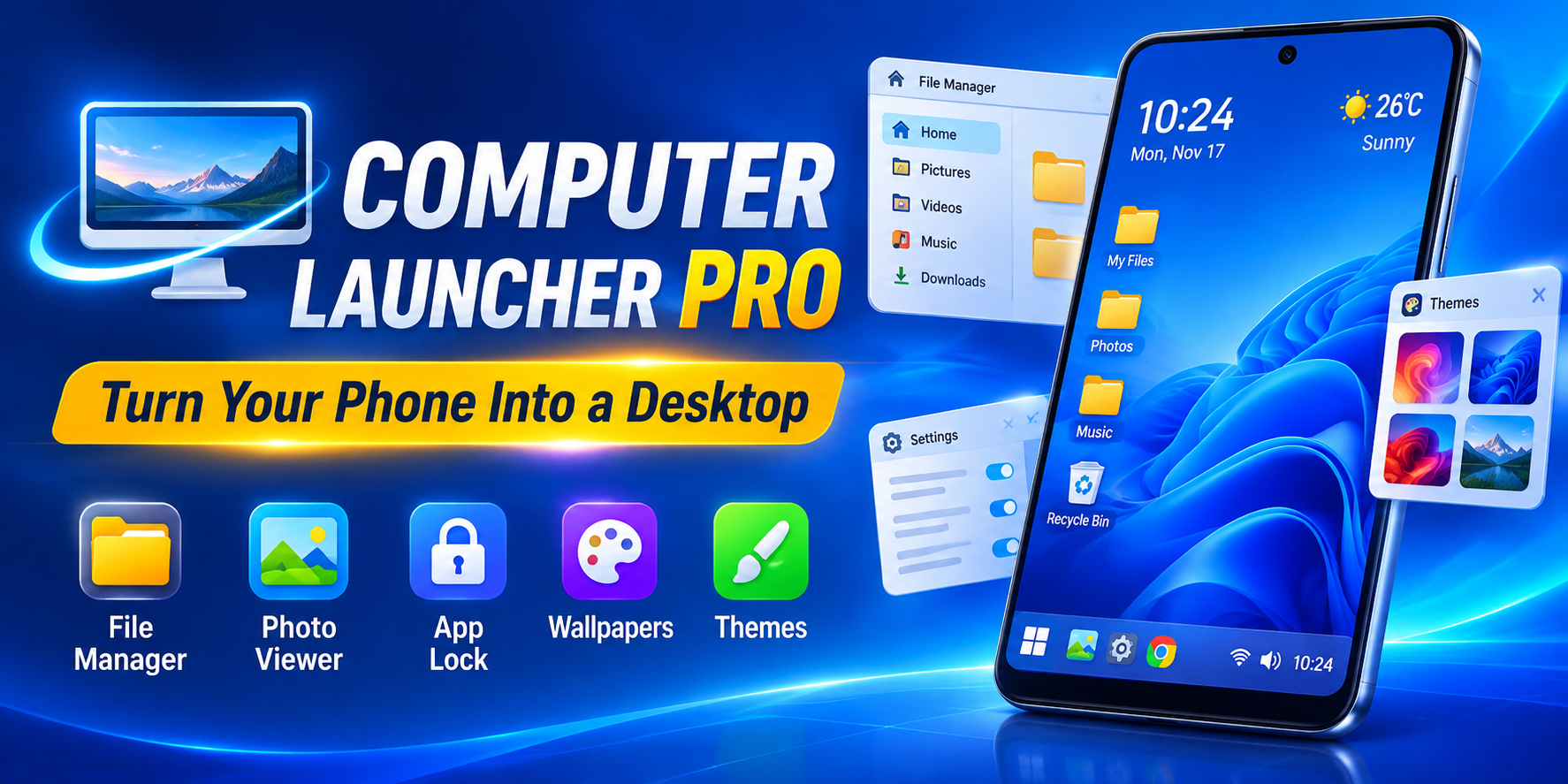
The core selling point of Computer Launcher Pro is its PC-inspired aesthetic. As the developer describes it, the launcher is built to provide "the appearance of many functions that a computer operating system offers for your personal computer." In practice, that means your home screen gets a desktop-style treatment — think familiar folder structures, a layout that mimics a computer desktop, and an interface that feels more like managing a workstation than swiping through a phone.
What makes this compelling is the manageability factor. The developer emphasizes that your phone becomes "as easy to manage as your personal computer." For users who've always found Android's default app drawer a bit scattered, this structured approach can be a welcome change. The desktop metaphor works especially well on tablets or large-screen phones, where there's enough real estate to make folders, widgets, and shortcuts genuinely useful rather than cramped.
Of course, aesthetics are only half the story. A launcher needs to be functional, stable, and fast — and that's where the feature set comes into play.
The Feature Set: What You Actually Get
Computer Launcher Pro packs a surprisingly broad toolkit into a single launcher app. According to its Play Store listing, the key features include:
- File Manager — Supports all internal and external SD cards as well as USB storage, giving you direct access to your files from the launcher itself.
- Photo Viewer — A built-in viewer so you can browse images without jumping between apps.
- Desktop Folders and App-as-Contacts Support — Organize apps into folders on your desktop and even treat apps like contacts for quick access.
- Desktop Widgets — Add widgets to your home screen just like you would on a PC.
- App Lock — A security layer that lets you lock individual apps behind authentication.
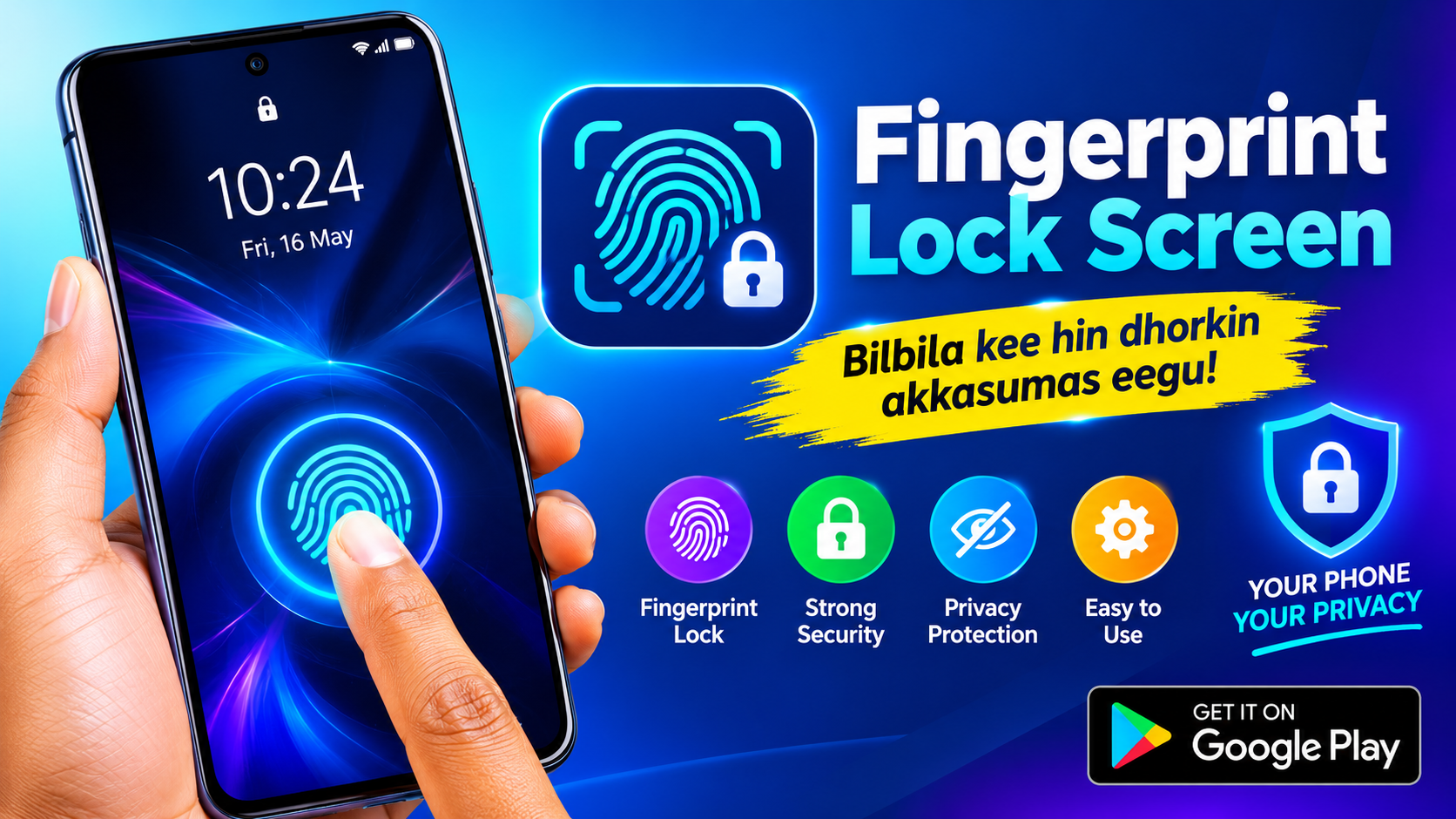
- Launcher Lock Screen — A custom lock screen experience built into the launcher.
- Built-in Wallpapers — A curated collection of backgrounds to match your new desktop vibe.
- 100+ Themes — Over a hundred themes to customize the look and feel of your launcher.
That's a lot of ground covered for a single launcher. The inclusion of a file manager with USB support is particularly notable — it's a feature most launchers don't offer, and it reinforces the "mini PC" concept. The 100+ themes also give users plenty of room to personalize, whether they want a sleek workstation look or something more playful.
The Little Things: Widgets, Folders, and Customization
Beyond the headline features, it's the smaller touches that determine whether a launcher sticks with you long-term. Computer Launcher Pro leans heavily into customization and organization, which is exactly what a desktop-style launcher should do.
Desktop folders let you group apps logically — work apps in one folder, games in another, utilities in a third — mimicking how you'd organize a PC desktop. The widget support means you can keep weather, calendars, or notes visible at a glance without opening apps. And with over 100 themes, you're not locked into a single visual identity; you can switch things up whenever the mood strikes.
The app lock feature is a nice bonus for privacy-conscious users, letting you secure sensitive apps with an extra layer of protection. Meanwhile, the launcher's lock screen gives the entire experience a cohesive feel from unlock to home screen. For tinkerers who love to make their phone truly their own, this launcher offers a satisfying sandbox to play in.
However, customization only matters if the underlying experience is stable — and here, user feedback reveals some rough edges.
Security and Privacy: What the Developer Claims
Before installing any launcher, it's worth checking its data practices — after all, a launcher sees a lot of your daily activity. According to the Play Store listing's data safety section, Computer Launcher Pro makes some reassuring claims:
- No data shared with third parties
- No data collected
- Data encrypted in transit
- Data cannot be deleted (as stated in the listing)
On paper, this is a strong privacy posture — no data collection and no third-party sharing are exactly what you want to see from an app that has deep access to your home screen. That said, users should always treat developer-provided data safety information as a starting point rather than a guarantee, since declarations are self-reported and can change over time. It's also worth noting the developer is based in Lahore, Pakistan, and the app is a product of an individual developer rather than a large studio — which isn't inherently a red flag, but it does mean the app's support and update cadence may be more limited.
The bottom line: the privacy claims look good, but as with any launcher, it's smart to review permissions carefully before granting access.
What Real Users Are Saying
The Play Store rating tells an interesting story: nearly 29,900 reviews with an average score that reflects a mix of enthusiasm and frustration. A closer look at individual reviews reveals both the launcher's appeal and its pain points.
One user on a Xiaomi 13 Ultra running HyperOS 3 called Computer Launcher Pro their "favorite launcher" but listed notable bugs: desktop widgets sometimes overlap or shift position on their own, and some widgets fail to respond when tapped. This suggests that while the core concept lands well, stability and widget behavior remain areas for improvement.
Another reviewer praised the launcher's quick-access elements like Bluetooth, Airplane mode, and Wi-Fi toggles, but wished they functioned directly rather than acting as shortcuts that jump to settings pages. And a third reviewer simply noted that the app lacks Chinese language support, which limits its reach for non-English speakers.
The takeaway? Users genuinely like the PC-style concept and feature set, but the experience isn't flawless. Widget reliability and localization are the most common complaints — things worth weighing if you rely heavily on widgets or prefer a non-English interface.
The Verdict: Who Is This Launcher For?
Computer Launcher Pro isn't trying to be the launcher for everyone — and that's fine. It's clearly aimed at a specific audience: users who love the desktop metaphor, enjoy heavy customization, and want their phone to feel like a pocket-sized workstation. If you're the type who organizes your PC desktop into tidy folders, appreciates a built-in file manager, and gets excited about 100+ themes, this launcher is squarely in your wheelhouse.
On the other hand, if you prioritize rock-solid widget behavior, polished localization, or a launcher backed by a large development team, you may want to temper your expectations. The bugs reported by users — widget overlap, unresponsive widgets, shortcut-only toggles — are the kind of issues that can chip away at daily usability over time.
The best approach? Try it yourself. Launchers are highly personal, and the only way to know if the desktop-style experience suits you is to install it, spend a week with it, and see how it fits your workflow. With a free download on the Play Store, the barrier to entry is low — and if it doesn't click, you can always switch back.
Final Thoughts
Computer Launcher Pro is a bold, feature-rich attempt to bridge the gap between mobile and desktop interfaces. Its PC-inspired layout, extensive customization options, and built-in utilities like a file manager and app lock make it a genuinely interesting option for Android tinkerers. The privacy claims are reassuring, and the 100+ themes give it plenty of replay value.
But it's not a finished product. User reviews highlight real bugs and missing features that the developer would do well to address — particularly around widget stability and language support. For now, it's a launcher best approached with curiosity and realistic expectations: a fun, ambitious experiment that delivers a lot of desktop flair, even if it occasionally stumbles along the way.
If you're ready to give your home screen a PC-style makeover, Computer Launcher Pro is worth a download — just keep your widgets in check and your expectations calibrated.