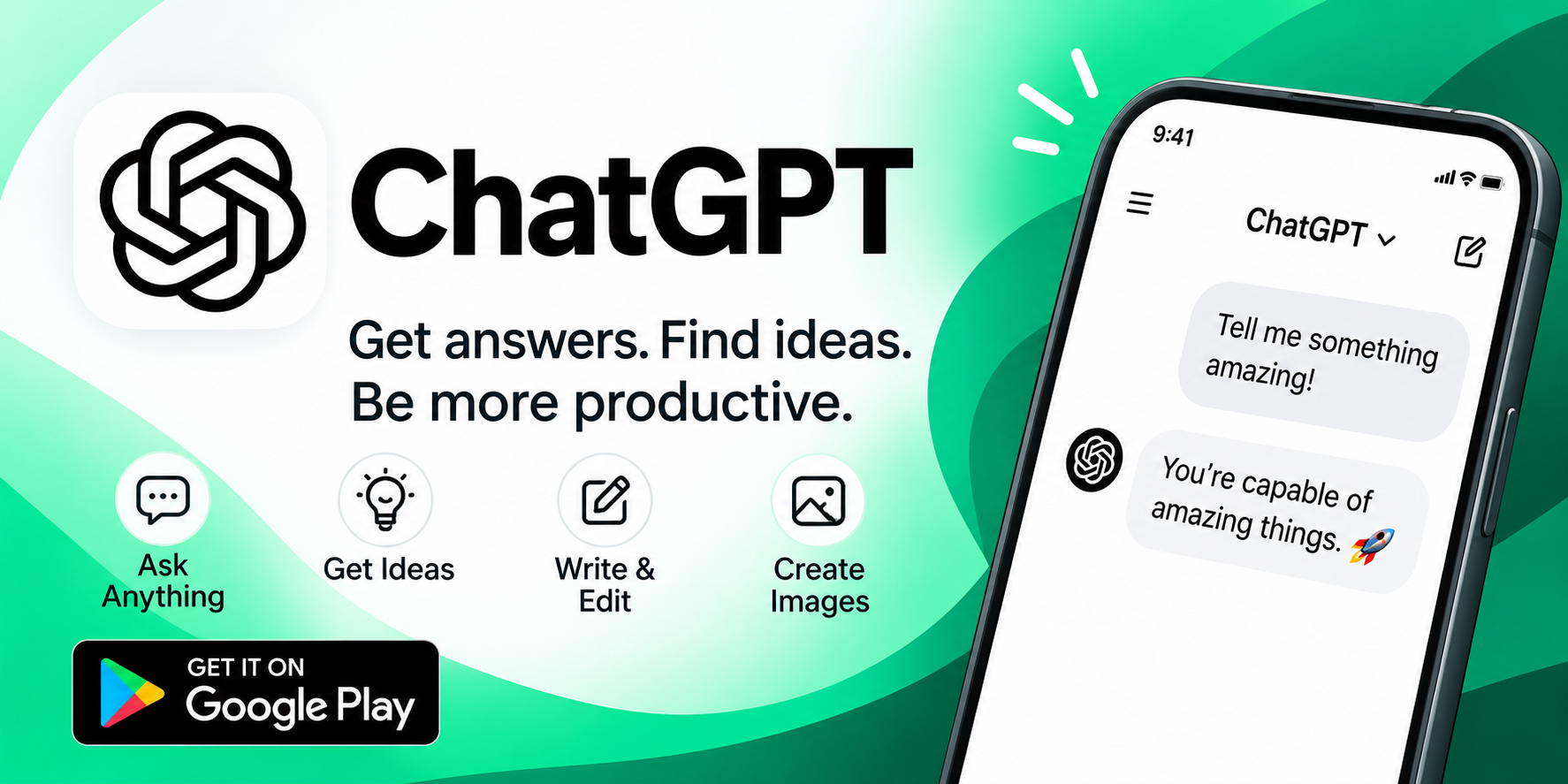
If you've spent any time online in the past couple of years, you've heard of ChatGPT. What started as a web-based curiosity has evolved into one of the most widely used AI tools on the planet, and its official Android app brings that same power directly to your pocket. According to its Google Play listing, the app has amassed hundreds of millions of users worldwide, and with good reason: it's free, it's packed with features, and it receives regular updates from OpenAI. In this post, we'll walk through what the app does, who it's for, and how to use it well, along with a few honest observations from the review section that you should keep in mind.
Paragraph 1: What the ChatGPT Android App Actually Is
The ChatGPT app is the official mobile client from OpenAI, designed to give you instant answers and inspiration wherever you are. Unlike third-party wrappers or unofficial clients, this app is built and maintained by the same team behind the models themselves, which means you get access to the latest improvements as soon as they roll out. The listing explicitly states that the app includes support for GPT-4o, OpenAI's newest and most capable model at the time of publication. In practical terms, that means faster responses, better reasoning, and more natural conversation than earlier generations. The app is free to download, and you can get started with just an email address or an existing OpenAI account. For anyone who has only used ChatGPT through a browser, the mobile experience is a meaningful upgrade: it's optimized for touch, voice, and the camera, turning your phone into a genuinely useful assistant rather than a cramped desktop page.
Paragraph 2: The Core Features Worth Knowing About
The feature set is broader than many new users expect. Here are the highlights the app itself promotes:
- Voice Mode — tap the headset icon and simply talk. You can ask for a bedtime story for your kids, settle a dinner-table debate, or brainstorm out loud while walking.
- Photo uploads — snap a picture of a handwritten recipe, a historical monument, or a whiteboard diagram and ask questions about it.
- Creative inspiration — generate birthday gift ideas or draft a personalized greeting card.
- Tailored advice — compose a tricky email or talk through a difficult situation.
- Personalized learning — have electricity explained in terms a dinosaur-obsessed child will love, or brush up on a historical event.
- Professional help — brainstorm marketing copy or sketch out a business plan.
- Instant answers — get a recipe from whatever's left in your fridge.
Each of these is a doorway into a different use case, and most people find that once they start experimenting, they discover uses the marketing copy never mentioned.
Paragraph 3: Voice and Camera Make It a True Mobile Assistant
The two features that most distinguish the mobile app from the web version are voice and the camera. Voice Mode isn't just speech-to-text; it's a conversational interface designed for hands-free use. That makes it genuinely useful in situations where typing is impractical — cooking, driving (with appropriate caution), or entertaining a restless toddler. The camera integration is similarly clever: instead of trying to describe a document or object in words, you just take a photo and ask. In practice, users report that photo uploads work well for reading labels, translating signs, and identifying plants or landmarks. These two features alone justify keeping the app installed, even if you do most of your heavy prompting on a laptop.
Paragraph 4: Real User Feedback — What the Reviews Reveal
With over 64 million reviews on Google Play, the app's rating reflects a huge and diverse user base, and the most helpful reviews offer a useful reality check. Several recurring themes stand out:
- Display issues on mobile — one reviewer notes that mathematical formulas sometimes render as garbled or incomplete text on phones, only displaying correctly in the desktop web version.
- Loading and performance — images can take a long time to load each time you open a chat, and the chat history occasionally stutters.
- Feature requests around voice — users want long-press-to-talk on the input box, automatic read-aloud of replies, and finer control over speech speed, pitch, and tone.
- Calls for video generation — some users hope future versions add video generation and more natural, less robotic voice options.
None of these are dealbreakers, but they're worth knowing before you download. They also show that the app is actively evolving, with "minor fixes and improvements" listed in the latest update.
Paragraph 5: Privacy and Data — What You're Agreeing To
The listing's data safety section is refreshingly transparent, and it's worth reading carefully. According to the developer-provided information, the app may collect location data, personal information, and several other categories, and it may share device IDs or similar identifiers with third parties. On the positive side, data is encrypted in transit, and you can request that the developer delete your data. As with any AI service, the practical advice is simple: don't paste sensitive personal, financial, or medical information into any chatbot unless you're comfortable with how it's handled. Treat the app like a capable but public-facing assistant, and you'll stay on the right side of both privacy and good judgment.
Paragraph 6: Practical Tips for Getting More Out of the App
Getting started is easy, but a few habits make the experience noticeably better:
- Be specific. "Help me plan a 3-day trip to Kyoto in April on a moderate budget" beats "travel ideas."
- Use voice when your hands are busy. It's faster than typing for brainstorming and far more natural for back-and-forth conversation.
- Snap, don't describe. Photograph the recipe, the error message, or the menu instead of typing it out.
- Iterate in the same thread. Follow-up questions in the same chat preserve context and produce better answers.
- Save your best prompts. When something works well, keep it in a notes app for reuse.
- Check important facts. AI can be confidently wrong, so verify anything consequential — especially numbers, citations, and medical or legal claims.
- Keep the app updated. OpenAI ships improvements frequently, and many early bugs get fixed in later versions.
None of these require technical skill, but together they turn the app from a novelty into a daily tool.
Paragraph 7: Who Should Download It — and What to Expect
The ChatGPT Android app is genuinely useful for a wide range of people: students who want concepts explained in plain language, professionals drafting emails and brainstorming ideas, parents looking for quick answers to endless "why" questions, and anyone who wants a capable assistant in their pocket. It's free, it covers the latest models including GPT-4o, and its voice and camera features are meaningfully better on mobile than on the web. That said, go in with realistic expectations. It's not perfect: formatting can break on some content, images load slowly, and video generation isn't available yet. But as a free, official, and regularly updated app from OpenAI, it's one of the most useful downloads you can make. If you've been putting it off, consider this your nudge: install it, try Voice Mode and the camera on day one, and let the use cases find you.