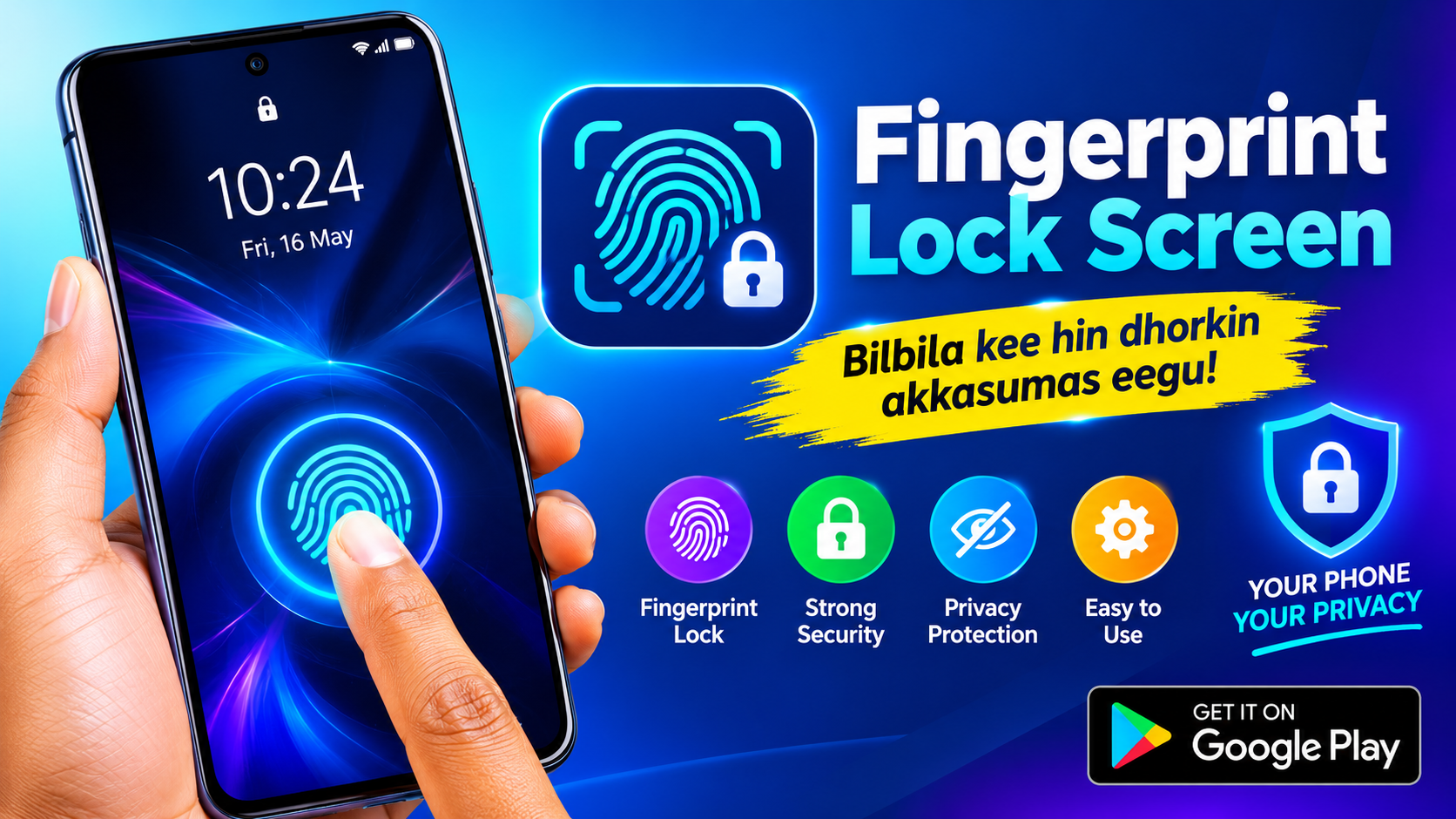
App lockers solve a real problem—but they come with a catch
We've all been there: you hand your phone to a friend to show them a photo, and suddenly they're one swipe away from your banking app, your private messages, or your gallery. App lockers exist to close that gap, adding a second layer of defense on top of your phone's built-in screen lock. The app in question—published on Google Play as "应用锁 - 指纹密码, 锁定应用程序" (App Lock: Fingerprint & Password) by developer REDIX—promises exactly this: the ability to lock any individual app behind a password, PIN, pattern, or fingerprint. On paper, it's a sensible utility. But the details matter enormously in this category, and the listing reveals some interesting contradictions worth unpacking before you install.
The feature set is genuinely broad
To its credit, this app doesn't skimp on functionality. The core offering is the ability to lock any app on your device—messaging, social media, photo galleries, banking apps—using a range of authentication methods. Beyond the basics, it layers in some clever extras:
- Fingerprint, PIN, pattern, and password locking for individual apps
- Intruder selfie: secretly photographs anyone who fails your lock screen
- Icon disguise: disguise locked apps as innocent-looking icons (calculator, clock, browser, settings, weather)
- Uninstall protection: aims to keep files safe even if the app itself is removed
- Easy password changes and a clean, user-friendly interface
For someone who wants a single dashboard to manage privacy across their entire app library, that's an appealing package. The "intruder selfie" feature in particular has become a favorite in this genre—it turns your phone into a silent witness.
The privacy paradox: a locker that shares your device ID
Here's where things get uncomfortable. An app whose entire purpose is protecting your privacy declares in its Google Play Data Safety section that it may share device IDs or other identifiers with third parties. It also states that it does not collect any data—an internally inconsistent claim—and that data cannot be deleted. Read that again: the tool you're trusting to guard your private apps is, by its own disclosure, potentially sharing identifying information about your device with outside parties. That doesn't automatically make it malicious; device IDs are commonly used for advertising and analytics. But for a privacy tool, it's a yellow flag worth taking seriously. If your threat model includes corporations tracking you, this app's data practices should give you pause.
Fingerprints, security, and the limits of the "digital bodyguard" pitch
The listing markets itself as a "digital bodyguard" and leans heavily on fingerprint locking as its headline feature. But it's worth understanding what's actually happening under the hood. Android provides a secure biometric API, and well-built apps use it so your fingerprint data never leaves the device's secure enclave. A third-party locker, however, sits between you and your apps—and if it's poorly implemented, it can add convenience without adding meaningful security. Fingerprint authentication also has a practical limitation: it's designed to be fast and frictionless, which means someone who has your finger (or a good replica) can unlock everything at once. For casual privacy from snooping friends or family, that's fine. For protecting sensitive financial data from a determined adversary, a strong PIN or pattern is often the more robust choice—and this app does offer both.
Uninstall protection and icon disguise: useful, but not bulletproof
Two features deserve specific scrutiny because they're marketed as stronger than they typically are. Uninstall protection is a common claim in this category, but on modern Android, a determined user with device admin access can usually find a way around it—and the app's own data policy says your data can't be deleted, which raises questions about what happens to your information when you do remove the app. Icon disguise, meanwhile, is a genuinely clever social-engineering defense: hiding your banking app behind a calculator icon means a casual snooper won't even think to try it. But it's camouflage, not encryption. Anyone who knows the disguise exists can test every innocuous icon on your home screen. Treat these features as speed bumps for the curious, not vault doors for the determined.
User reception is thin—and that's a signal in itself
The app has roughly 22,800 ratings, but the visible reviews are sparse and uninformative; the one shown reads simply "okay 👍." That's a strikingly low engagement level for an app in a category where users tend to be vocal about bugs, lockouts, and battery drain. A small review sample isn't proof of a bad product, but it does mean you're installing with limited social proof. The developer, REDIX, lists a Lahore, Pakistan address and a Gmail contact—not inherently concerning, but combined with the vague data disclosures, it suggests a small operation rather than an established security company. The recent changelog (new lock screen themes, enhanced intruder detection, optimized vault) shows active development, which is a positive sign. Still, "actively updated" and "trustworthy with your most private data" are two different things.
The verdict: useful for casual privacy, questionable for serious security
Should you install this app? It depends entirely on what you're defending against. If your goal is keeping a nosy roommate out of your photo gallery or stopping a friend from reading your messages when you hand them your phone, an app locker like this one can do the job—and the feature set here is richer than most. But if your goal is genuine, robust privacy, you should weigh the trade-offs carefully: the device-ID sharing disclosure, the undeletable data claim, and the inherent weakness of third-party lockers all argue for caution. A sensible middle path is to start with your phone's built-in tools—Android's app pinning, secure folder, and private space features have improved dramatically—and only add a third-party locker if you need something those can't provide. If you do try it, use a strong PIN or pattern alongside fingerprint, keep your most sensitive apps (banking, password managers) out of the locker entirely, and revisit your choice after a few weeks. Convenience is easy to sell; trust has to be earned.